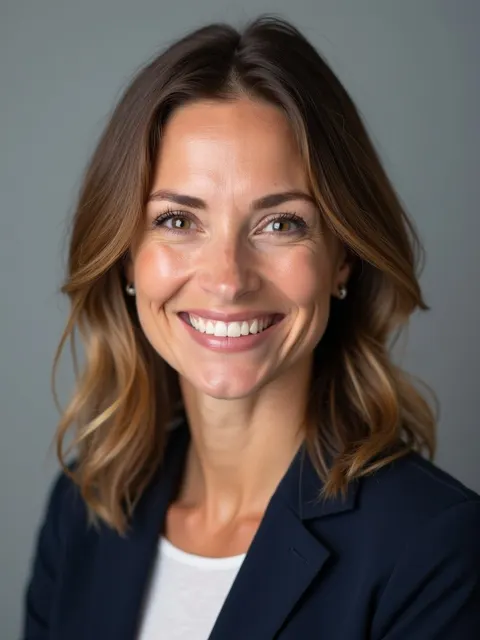
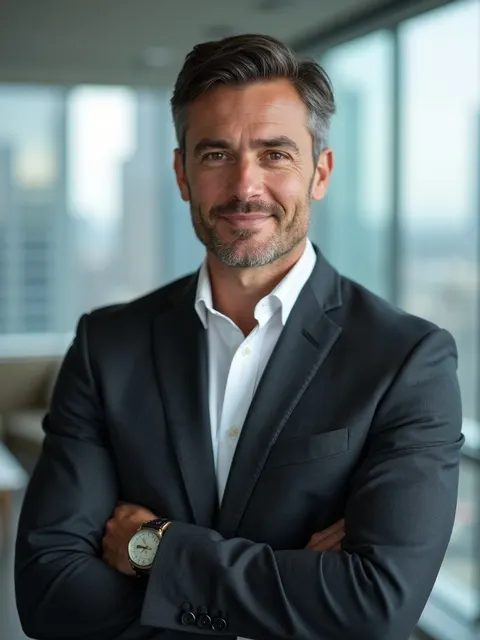
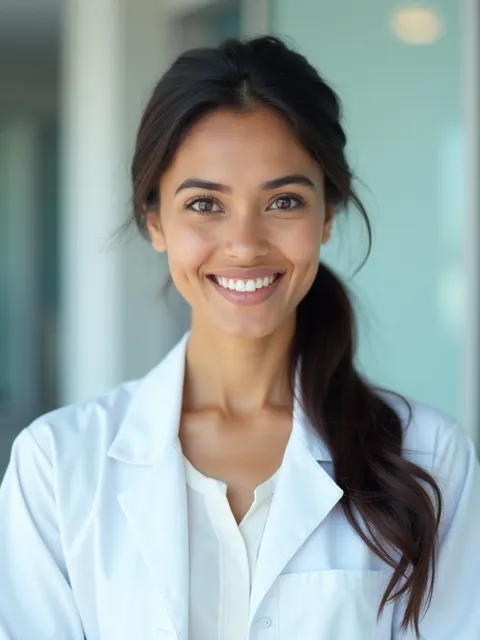
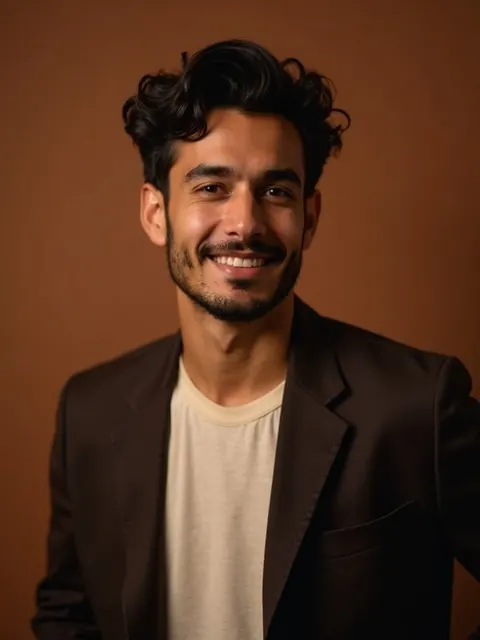
HeadshotGenerators.ai

AI Professional Headshot — From Selfie to Studio in 8 Minutes

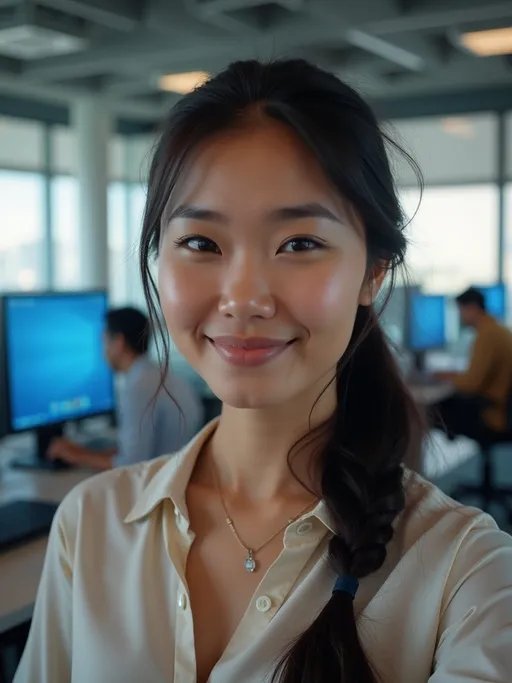
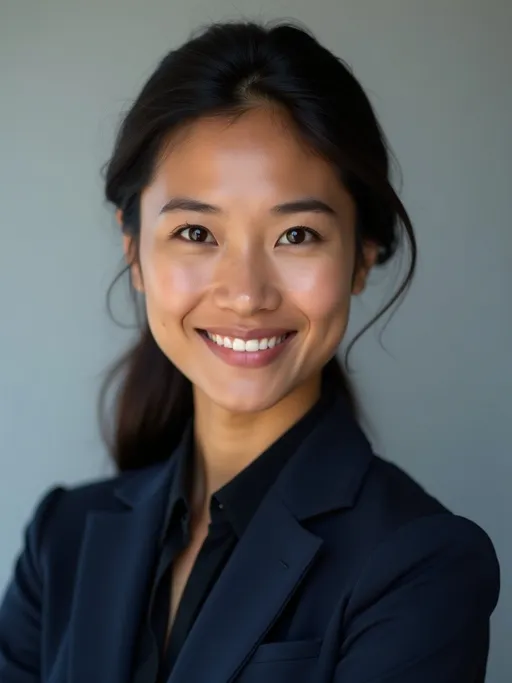
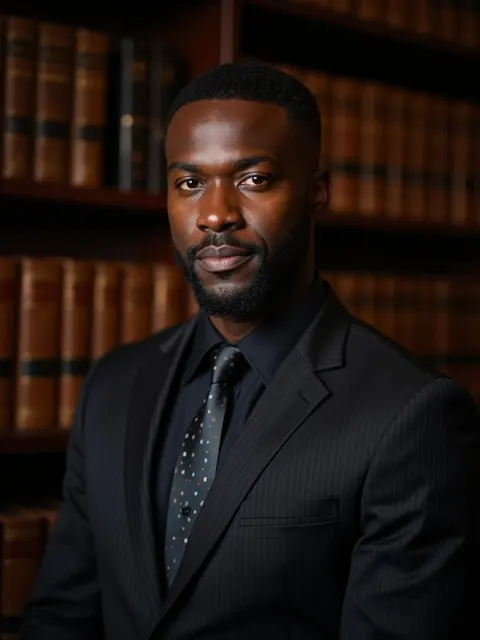
AI-generated professional headshots that look like studio photography, from a phone selfie. Powered by Flux.1 LoRA + PuLID. Free preview, $14.99 Starter, $29.99 Pro for 100 photos and 4K downloads.

Why "AI Professional" Beats DIY in 2026

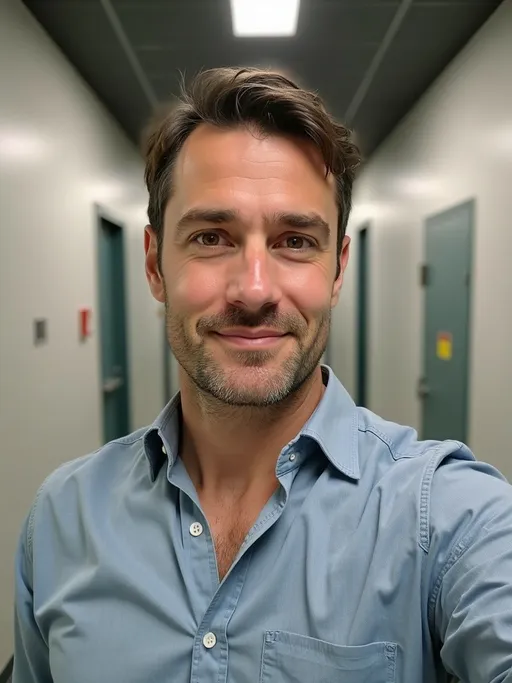
The DIY headshot cycle is well-known to anyone who has tried it: clear a wall, set up the iPhone on a stack of books, run the timer, take 50 frames, end up with one usable photo where your eyes look right, the background is not too distracting, and the lighting is not too harsh. The result is "fine" — it works in a pinch — but it does not signal the same level of professionalism a studio session does.

AI professional headshot tools changed the math in 2024. The output is now closer to studio quality than to DIY iPhone-on-a-tripod, while the cost stays at DIY economics. The mechanism is per-user identity training: the model learns your face geometry from a five-selfie upload, then renders you in studio-lit scenes you choose. The lighting, background, and attire that took a photographer hours to set up are now defaults.

The 2026 reality is that AI professional headshots have replaced DIY for almost every knowledge worker who needs a LinkedIn or corporate-site photo. They have not replaced studio photography for high-stakes single-image work (executive bio for printed annual reports, magazine covers) — but those cases are a small fraction of the overall headshot need.

Professional vs Casual Headshots: When to Use Which

Not every headshot should look strictly professional. The visual register signals context, and getting it wrong can hurt more than helping.

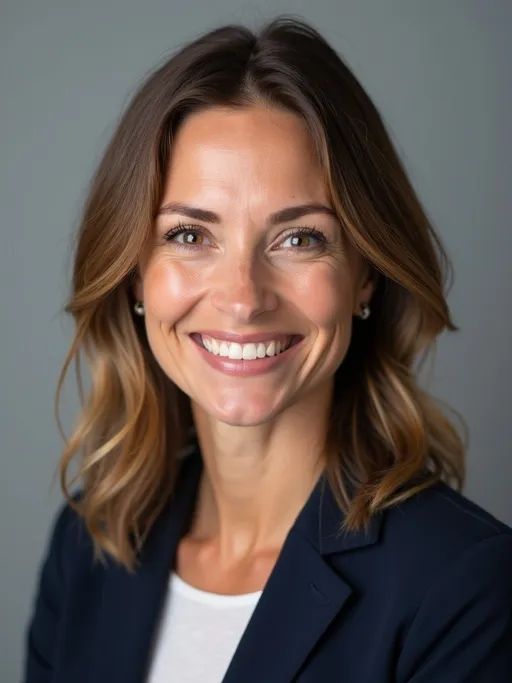
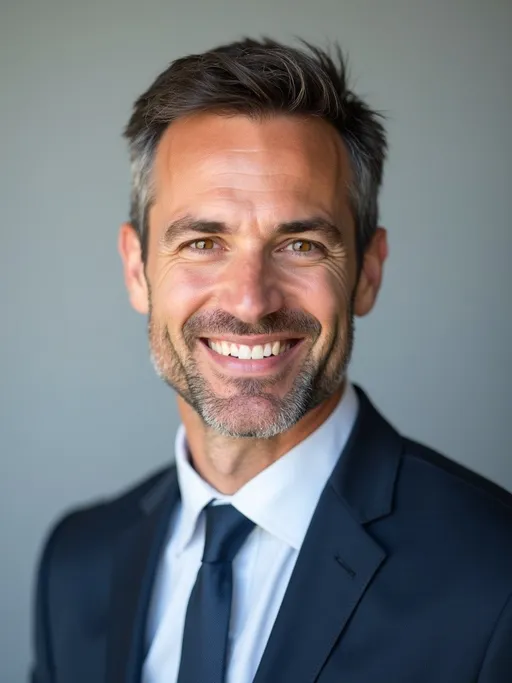
Professional register (LinkedIn Pro, Corporate Team, Executive Corner, Boardroom, Doctor scenes) — for resumes, corporate websites, conference speaker pages, sales decks, business cards, fundraising materials, press kits. The viewer expects formality, and not delivering it reads as unprofessional.

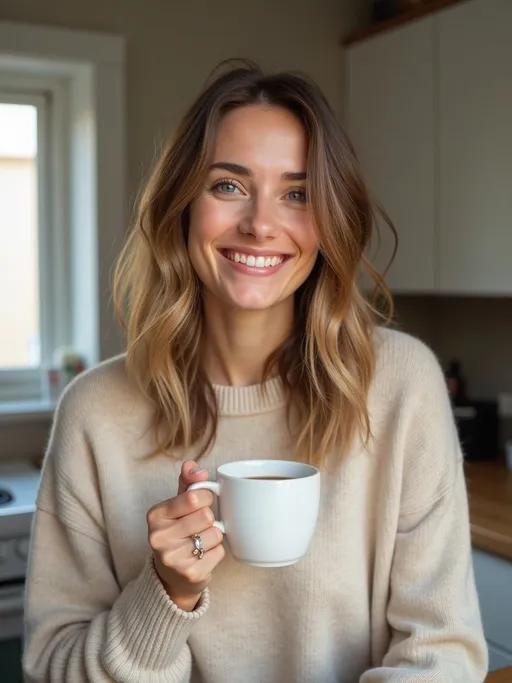
Casual professional register (Startup Founder, Casual Pro, Creator scenes) — for personal websites, podcast art, social media profiles where you want approachability over formality, founder bios in non-VC contexts, modern tech startup About pages. The viewer expects you to look like a contemporary working person, not a 1990s banker.

Casual register (Casual Dating, Golden Hour scenes) — for dating profiles, social platforms, personal-blog avatars. Formal-business framing reads as cold or aspirational in these contexts.

Most professionals need at least two registers: a strict-professional version for LinkedIn and CVs, plus a casual-professional version for personal sites or social-platform profiles. AI tools that ship multiple scene presets handle both in one session; a photographer charges twice.

AI Professional Headshot Quality Standards

Quality varies sharply across AI professional headshot tools. Five technical dimensions separate good from mediocre, and you can spot the difference even without training.

Identity fidelity. Does the output actually look like you, or like a plausible version of you? Tools that train a per-user adapter (Flux.1 LoRA, PuLID, Dreambooth-derived approaches) preserve face geometry. Tools that use prompt engineering on a shared model do not — the result is "almost you," which is worse than no headshot.

Lighting realism. Studio-grade soft front-biased lighting with subtle key-fill split. Hard single-source side light or harsh backlight is a tell that the model defaulted to first-pass output. Modern tools handle this through scene-specific lighting prompts plus post-generation color grading.

Skin texture. Plastic, over-smoothed skin gives away first-generation AI output. Modern tools preserve skin texture variation including subtle pores and natural color variation. If your AI headshot looks airbrushed, the tool used too aggressive smoothing.

Eye geometry. First-gen AI commonly produced subtly mismatched eyes — different colors, different sizes, or pupils pointing slightly different directions. Modern tools have largely solved this; if you see it, regenerate.

Background coherence. Backgrounds should look like real environments, not collaged textures. Visible warping in straight lines (door frames, window edges, picture frames) is a tell. Bookcases with text that does not parse are a tell. Outdoor scenes with anatomically wrong trees are a tell.

Pro Headshot Use Cases

  • Job applicants and recruiters. LinkedIn profile, CV in markets that include photos, application portals.
  • Sales and BDR teams. Outbound sales decks, cold-email signature blocks, LinkedIn outreach photos. Higher-quality headshots correlate with higher response rates per LinkedIn's own data.
  • Founders raising capital. Cap-table photo, fundraising deck About slide, press release headshots, podcast appearances.
  • Real estate agents. Listing photos, agency about-pages, signage, business cards.
  • Consultants and law/accounting partners. Firm bio pages, proposal cover slides, conference speaker materials.
  • Healthcare professionals. Clinic websites, hospital staff directories, telehealth profiles, medical-board profiles.
  • Academic researchers. Faculty pages, conference programs, journal author photos.

AI Professional Headshot vs Traditional Photographer

The trade-offs are real and dimensional. AI is the right tool for most professional headshots in 2026; traditional photography retains a small high-stakes niche.

Traditional photography gives you 100% literal capture and an experienced photographer's eye for posing and expression. AI gives you 85-92% likeness, 10x cheaper price, 100x faster turnaround, and 18+ scene variants from one session. For LinkedIn, sales, fundraising, and corporate use, the AI trade-off is overwhelmingly worth taking. For a single high-stakes printed magazine cover or executive bio, traditional photography still wins.

See our 2026 review of the best AI headshot generators for blind-rated quality scores across competitors, or our 7-way side-by-side comparison for direct head-to-head pricing and speed comparisons.

Frequently Asked Questions

What does "AI professional headshot" actually mean?+

A professional headshot generated by an AI model rather than captured by a photographer. The 2026 generation use a per-user identity adapter trained on your selfies plus a diffusion base model that handles studio lighting, attire, and background. The output is a new photograph synthesized from learned geometry, not a retouched existing photo.

How is "AI professional headshot" different from generic AI image generators like Midjourney?+

Midjourney and DALL-E generate plausible images of "a professional in a suit" — but it is not you. They have no concept of your face. AI professional headshot tools train a small per-user adapter on your selfies before any generation runs, which encodes your face geometry. The base model then renders someone with your features in the chosen scene.

How accurate is the likeness?+

Modern tools achieve 85-92% likeness fidelity in our blind tests, with the upper end achievable when training selfies have consistent lighting and unobstructed face views. The remaining gap shows mostly on micro-expressions and skin texture detail. For LinkedIn and corporate use, the result is functionally indistinguishable from studio photography to casual review.

Are AI professional headshots accepted by recruiters and employers?+

For all standard professional contexts (LinkedIn, corporate sites, sales decks, conference profiles, business cards) — yes universally. Employers do not typically check whether profile imagery is AI-generated, and AI output trained on your real selfies is functionally indistinguishable from studio photography. AI is not appropriate for: passports, visas, government IDs, or roles where authenticity disclosure is contractual.

How long does generation take?+

About 8 minutes end-to-end on Starter and Pro plans (2 minutes for per-user training plus 6 minutes for scene generation). Free PuLID preview returns a watermarked result in 10 seconds — useful for verifying the tool fits your face before paying.

How does the price compare to a real photographer?+

Studio professional headshot sessions run $200-500 plus retouching plus 1-2 weeks for delivery. AI professional headshots run $0 (free preview) to $30 (Pro) in 8 minutes. Roughly 10x cheaper, and the gap compounds when you want multiple scene variations.

Can I use these commercially?+

Yes on paid plans (Starter and Pro). Commercial license covers LinkedIn, company websites, business cards, conference profiles, real-estate listings, sales materials, and similar professional uses. The free tier returns watermarked previews for personal evaluation only.

How do you compare to other AI professional headshot tools?+

On price (free PuLID preview vs. paid-only competitors), on speed (8 minutes vs. 1-2 hours for HeadshotPro), and on per-user identity training quality (Flux.1 LoRA + PuLID vs. shared-model approaches). Aragon leads on raw scene count (40+ vs. our 18+). Detailed side-by-side at /best-ai-headshot-generator and /compare/ai-headshot-generators.

Try AI Professional Headshot Free

10-second free preview, no credit card. If the result is not what you wanted, you have not paid anything.

AI Professional Headshot — From Selfie to Studio in 8 Minutes | HeadshotGenerators.ai