Leadership
Executive Headshots
Build formal and approachable variants for board bios, press kits, speaker pages, investor updates, and company leadership profiles. Pro output is 2048×2048 when a larger digital or print-ready file is useful.

Company bio · executive profile · LinkedIn · team directory
Start with one free preview, or create a personal set from $14.99 for 40 professional portraits across 7 styles. No photographer appointment, travel, or recurring subscription.
Full refund within 24 hours if you have not downloaded any high-resolution headshot. Terms apply.
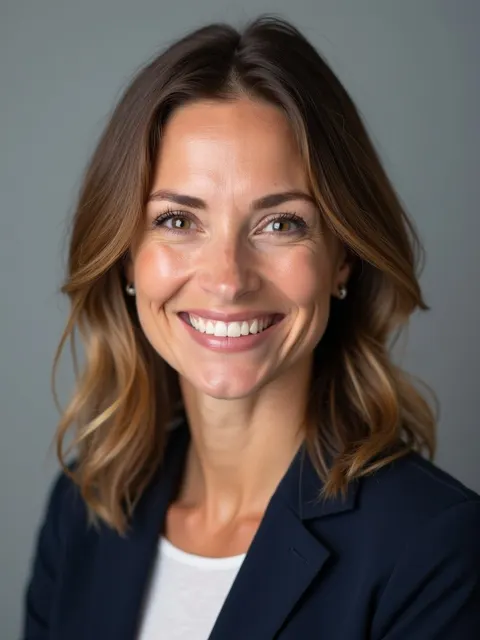


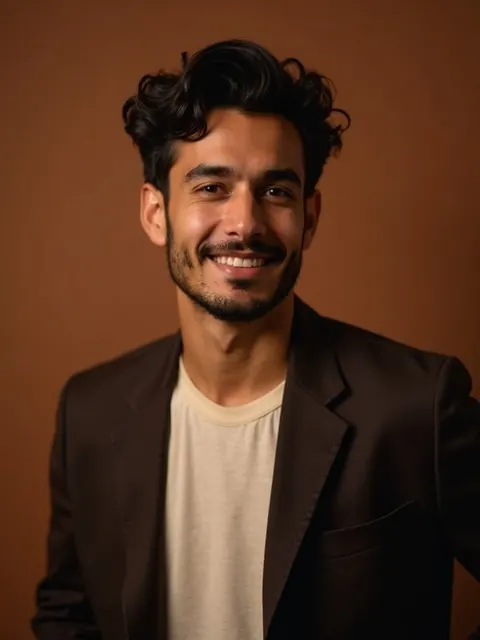
Personal training uses 8–20 photos, followed by identity and image-integrity checks.
$14.99 for 40 photos, or $29.99 for 100. Both are one-time purchases.
No fixed minute guarantee. The dashboard shows progress, delays, safe retries, and quality review states.
Before and after
Results shown are AI-generated examples. Your result will vary with the photos you upload.
 Selfie
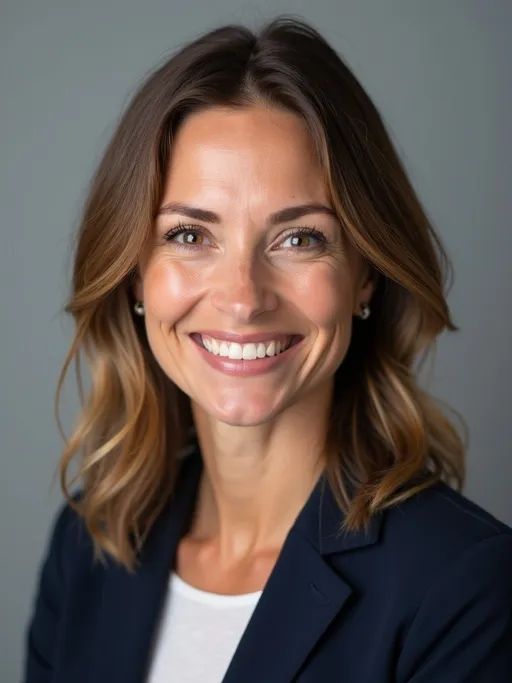 AI result
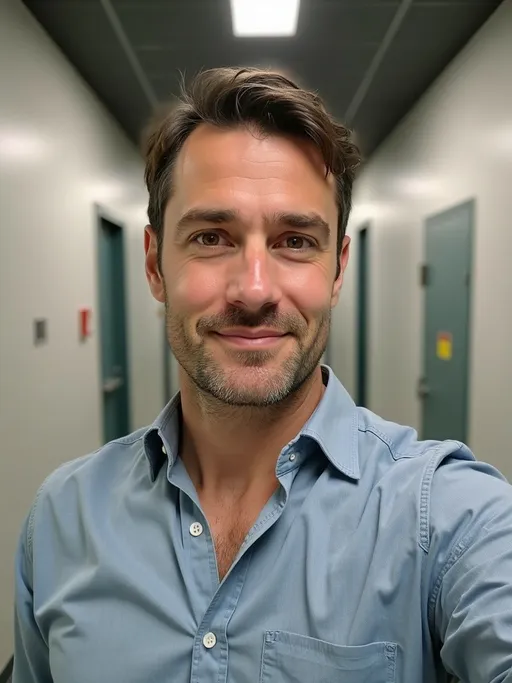 Selfie
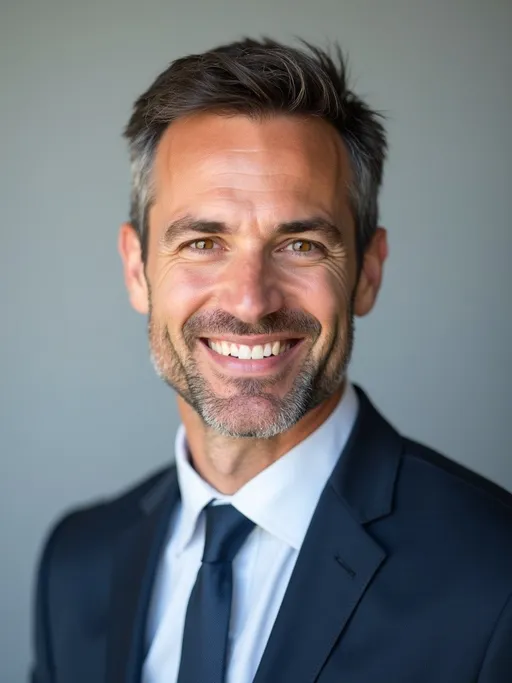 AI result
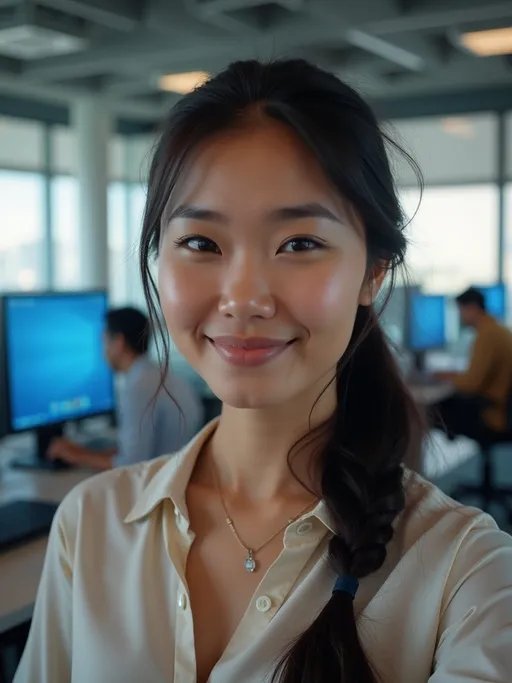 Selfie
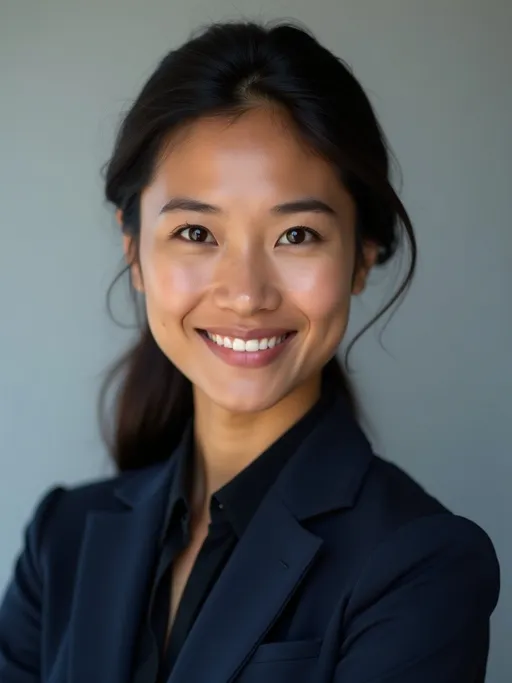 AI result
How it works
Upload one selfie for one 1024×1024 preview. No card or account is required to generate it.
Starter includes 40 photos across 7 styles. Pro includes 100 photos across 20 styles.
Upload 8–20 recent photos of one person. 15 usable photos is the recommended target.
Follow progress in the dashboard, then review and download the unwatermarked photos that pass the delivery checks.
Preparing your inputs? See how to take a professional headshot at home and what to wear for a headshot for practical lighting, framing, and clothing guidance.
Leadership
Build formal and approachable variants for board bios, press kits, speaker pages, investor updates, and company leadership profiles. Pro output is 2048×2048 when a larger digital or print-ready file is useful.
Distributed teams
Give each person the same style direction without asking everyone to visit one studio. Each teammate trains separately from their own photos; matching style choices create a more consistent directory while preserving individual identity.
Business & company
A unified look for a small team — two to fifty people — without a studio day. Each person uploads their own photos and picks the same style pack, so the company bio page, business cards, and website About section all read as one brand. That consistency is what “corporate” headshots are really buying.
Wondering how the cost compares to hiring a photographer for the whole team? See the AI vs photographer cost breakdown. Real estate team? Dedicated realtor page.
Style range
Starter includes 7 styles. Pro expands the set to 20 styles and 100 photos.
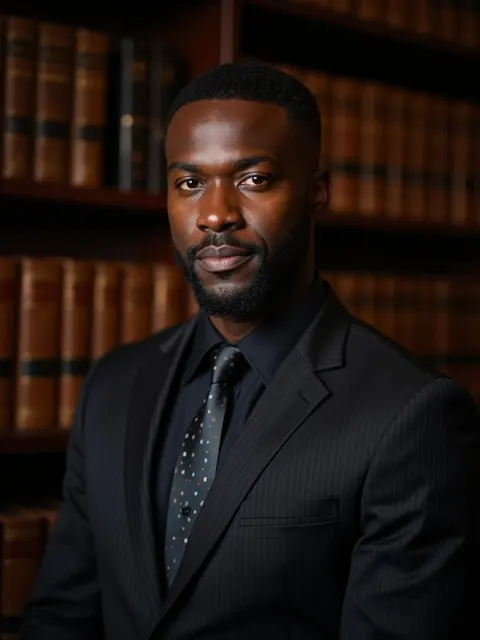
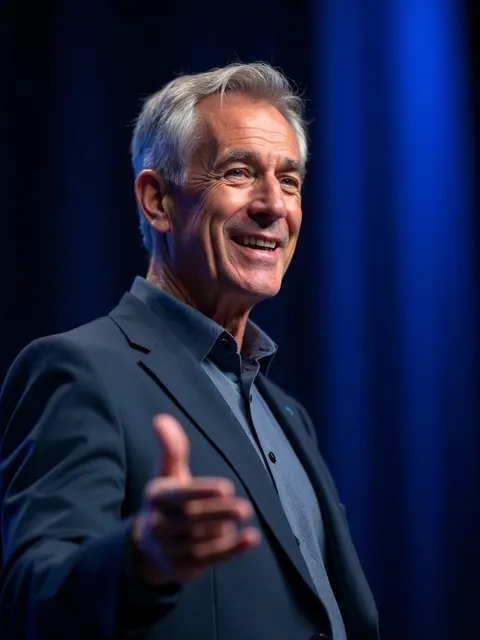
Results shown are AI-generated examples. Your result will vary with the photos you upload.
| Decision | HeadshotGenerators.ai | Traditional photographer |
|---|---|---|
| Price | From $14.99, one time | Varies by market, brief, retouching, and usage |
| Process | Upload online; progress stays visible | Schedule a session and attend a location |
| Output | 40 or 100 generated variants | Literal camera capture with directed posing |
| Best fit | Profile variants, bios, directories, and everyday professional use | High-stakes editorial work and bespoke creative direction |
A professional headshot presents one person clearly with business-appropriate framing, lighting, attire, and background. The right style depends on the job: a company bio may need a formal portrait, while a founder profile may work better with a more approachable setting.
This page is for people comparing a studio visit with an online professional portrait set. The AI-specific guide explains the model, inputs, quality checks, and delivery workflow in more technical detail.
The paid flow trains a personal model from 8–20 photos and checks identity similarity before completion. The before-and-after examples on this page show the current product style, but individual results vary with the photos you upload.
No fixed minute guarantee. Queue time and quality-control regeneration can vary. Order progress is shown in the dashboard. Delayed jobs are detected and retried automatically when safe; users can also request a retry. There is no studio appointment or travel time.
Yes, for small teams: each person trains a separate identity from their own photos, then everyone selects the same professional style. The current product does not claim a self-serve team administration package or group-photo synthesis.
Yes — each team member uploads their own photos and trains a separate identity, then everyone selects the same style pack. The result reads as one coordinated set across your About page, email signatures, and LinkedIn. For teams of 2–50 this is the practical route; there is no admin console or per-seat billing.
In practice, the terms are used interchangeably — both mean a business-appropriate portrait. "Corporate" leans formal (suit, neutral backdrop, company-bio use); "professional" is the umbrella that also covers LinkedIn, speaker pages, and founder profiles. This page serves both intents.
Three reasons: price (a local session runs $150–500; a full AI set is $14.99), time (15 minutes versus booking a week out plus the session), and consistency (every team member gets the same style instead of whatever each local studio delivers). The full math is in our AI vs photographer comparison.
Yes — the service is 100% online and works in every city. Upload photos from your phone; there is no studio visit, which is also why pricing does not change with your location.
Full refund within 24 hours if no high-resolution downloads. Downloading any headshot cancels refund eligibility. Review the full Terms before purchase.
Compare professional headshot examples and background choices before selecting your direction. Check the exact free preview boundaries, compare current public offers, or read the AI-specific professional workflow.
Generate one free preview with no card or account required. Choose a trained paid set only when you need the full professional library.